Tornado Interceptor Lab Cad 1 Prototype — Community Interceptor
How builders study the Cad 1 shell: paint variants, flap debates, and lab lessons from real Beta gameplay.
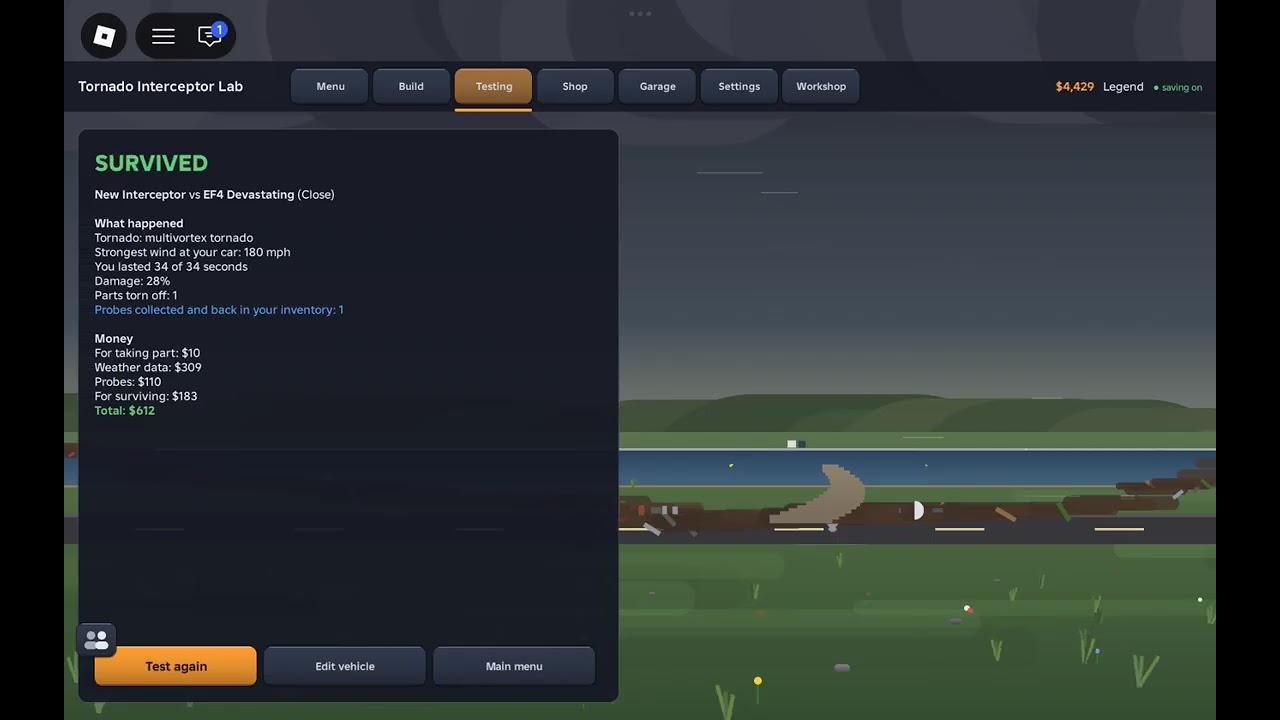
What the Cad 1 prototype is
Inside Tornado Interceptor Lab [Beta], the Cad 1 prototype is a community-recognized interceptor shell that shows up in lobbies and creator footage as a teaching-friendly design. Ownership credits in public clips point to builders such as @XXpro-u5k, while chase videos (including OperaXD’s lab gameplay) use Cad 1 as a readable hero vehicle for storm runs. This page is a players / community deep dive—not an official Arvexa studio blueprint dump.
Use it with Getting Started, How to Build, and the Tier List Cad-style notes.
Why Cad 1 matters for new builders
Cad-likes earn attention because they usually:
- Present a clean silhouette that still looks like a serious interceptor
- Expose module placement you can study frame-by-frame
- Invite paint experiments without hiding the underlying lesson
- Spark flap debates that teach coverage rules even when variants disagree
They sit on the A / B border of the community tier list: A when they keep low ride height and honest flaps, B when showcase geometry wins over wheel coverage.
Paint and prototype identity
Community chat around Cad 1 highlights:
- Blue paint on prototype versions versus finished looks
- Requests to repaint (green and other liveries show up in comments)
- The idea that prototype cosmetics can advertise “test shell” status in a busy bay
None of those colors grant free threshold. After you pick a livery, run the spray and bucket fill workflow in Paint & Customize and re-check deploy seating.
The flaps debate (learn from both sides)
Clips and comments disagree productively:
- Some prototype showcases include visible flaps and emphasize covering wheels for the +30–50 threshold habit.
- Builders also note finished Cad 1 variants that historically did not carry the same flap kit.
Takeaway for your lab: do not assume a thumbnail equals your live kit. Open the vehicle, deploy, camera the tires, and write the result in your threshold notebook (Threshold & Survival). The debate itself is the lesson—verify geometry every session during Beta.
Mid-article study watch
Watch a real Tornado Interceptor Lab gameplay segment featuring Cad 1 prototype chasing. Focus on:
- Camera distance while approaching the cell
- How low the shell sits before commit
- Whether flaps (if present on that variant) seat before peak buffeting
- Lobby spacing with other interceptors (~10-player servers)
Use the footage as a reference, then rebuild ideas with your own parts list rather than cloning every rivet.
How to study Cad 1 without copying blindly
- Spawn or inspect a Cad-like shell in the lab.
- Trace the frame path: cabin → side armor → wheel wells → flap mounts.
- Ask what each module teaches (mass, clearance, deploy arc).
- Rebuild those lessons on a simpler practice chassis first.
- Graduate cosmetics only after Tools QA passes.
Blind mirroring creates fragile museum pieces. Guided studying creates interceptors that survive wind.
Dominator neighbors and lobby culture
Cad 1 often shares servers with Dominator 3-style spike trucks and low flap tanks. Healthy lobby habits:
- Give deploy space—clipping someone’s flap sequence wastes a storm
- Call roles if you use Discord voice promoted by Arvexa for join links (Players Hub)
- Share threshold notes and paint tips, not executor pastes (Scripts)
Version talk and “Cad 1 v2” rumors
Players sometimes ask whether a creator “made a version 2.” During Beta, expect lookalike shells, repaints, and partial remakes. Confirm what you are driving before you update this wiki’s mental model. Prefer dated notebook entries over rumor chains.
Pair Cad study with storm practice
Cad inspiration is wasted if you never chase. After a study session:
- Run a mild intercept with flaps-first discipline (How to Intercept).
- Log wind talk and coverage results.
- Recheck after patches on Updates.
- Ignore code scams while you wrench (Codes).
Respect and credits
Credit original builders when you post derivatives. Cad 1’s value is community teaching—keep that culture intact by naming inspirations and avoiding paid “secret Cad files” scams.
Closing
The Cad 1 prototype is a mirror for Beta craft: readable design, contested flaps, loud paint opinions, and real storm footage. Study it, verify it, lower it, cover the wheels, and let your notebook—not the thumbnail—decide whether your Cad-like earns an A-tier night in the lab.
Frequently Asked Questions
Quick answers about Tornado Interceptor Lab on Roblox.
Is Cad 1 an official Arvexa starter vehicle?
It is a community prototype / showcase shell popular in Beta lobbies and videos—not a promise of a fixed official loadout.
Does the Cad 1 prototype always have flaps?
Variants differ. Some prototype clips show flaps; builders also note finished Cad 1 versions without the same flap kit. Verify in-game.
Why is Cad 1 painted blue in videos?
Community notes describe blue prototype paint versus finished looks. Colors are cosmetic—rebuild physics habits separately.
Where should I watch Cad 1 gameplay?
Use the embedded Tornado Interceptor Lab Cad 1 chase video on this page, then compare against your live Beta client.
How do I tier a Cad-like build?
Keep it A-tier when low and flap-honest; drop toward B if showcase height kills wheel coverage. See the Tier List hub.