Tornado Interceptor Lab Guides
Walkthroughs for building, deploying, and surviving EF-scale tornadoes in Arvexa studio’s Beta lab.
Start here
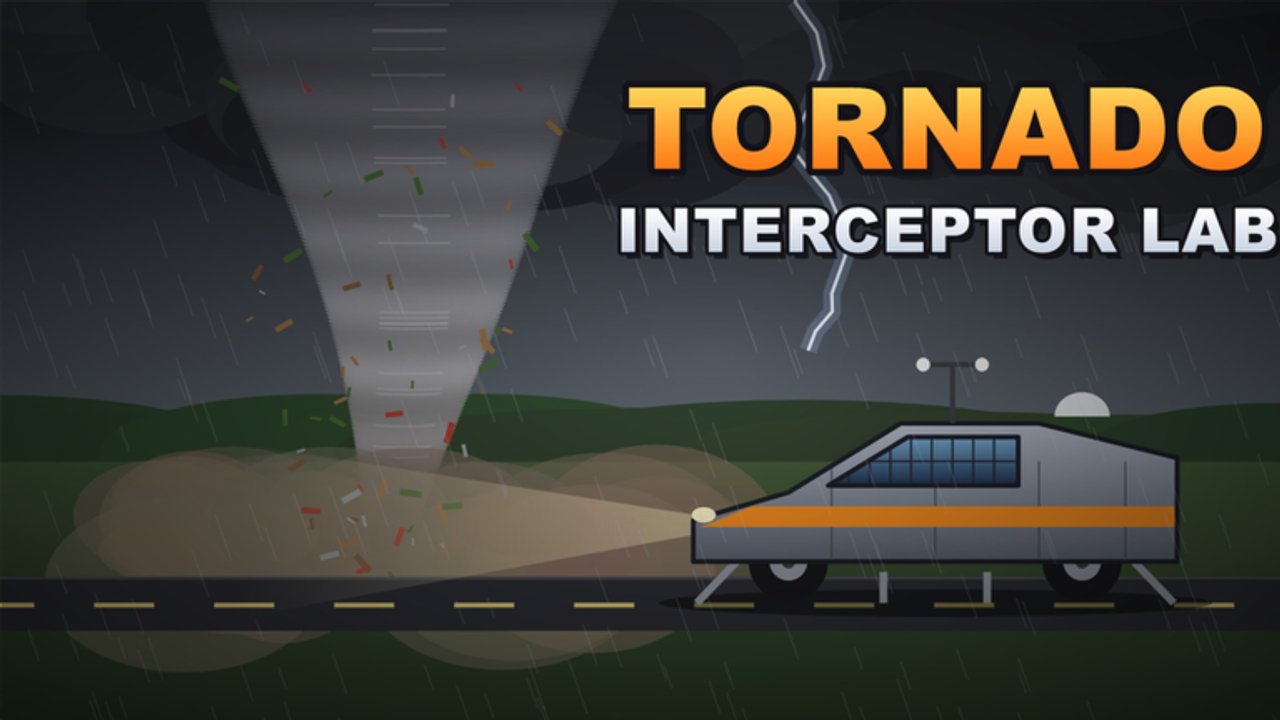
Tornado Interceptor Lab [Beta] is a Roblox simulation / vehicle experience from Arvexa studio where you design custom tornado interceptors, paint them, bolt on flaps, spikes, and deployment kits, then chase EF-scale storms with online multiplayer lobbies (about 10 players max). This hub is the map to every English guide on the wiki.
New to the lab? Open Getting Started first for the day-one loop, server expectations, and how Beta bugs fit into normal play since the 2026-11-04 early-access launch.
Core guide index
Onboarding and UI
- Getting Started — join flow, first build mindset, what “Beta” means for progression
- Controls — driving, builder UI, spray can bucket fill mode, deploy inputs
Building and loadouts
- How to Build an Interceptor — frames, paint, hide parts, lab iteration habits
- Flaps, Spikes & Deployment — wheel coverage tip (+30–50 threshold), order of operations
Storm chasing
- How to Intercept Tornadoes — positioning, wind speeds, surviving EF5 and rare EF6 (~261+ mph)
- Threshold & Survival Tips — flaps-over-wheels +30–50 habit, ride height, EF6 notebook rules
Paint and identity
- Paint & Customize — spray can, bucket fill mode, readable liveries
Suggested learning path
- Skim Getting Started and spawn into a calm server.
- Learn the Controls so spray and deploy are muscle memory.
- Follow How to Build to produce a low-profile shell.
- Apply Flaps & Deployment before you touch violent cells.
- Graduate to How to Intercept with checklist support from Tools.
- Lock habits with Threshold & Survival and finish liveries in Paint & Customize.
- Compare your results to the Tier List Hub archetypes (flap tanks, Dominator-likes, Cad prototypes, speed chasers).
How these guides stay honest in Beta
Arvexa is actively iterating. Part names, HUD labels, and wind numbers can drift. We write for durable skills—keep the vehicle low, cover wheels with flaps, deploy in a sensible order, respect wind thresholds—rather than brittle pixel coordinates. When patches land, cross-check the Updates Hub and re-run the QA list on Tools.
Pair guides with other hubs
- Codes — no confirmed promo codes yet; redeem guidance when they appear
- Scripts — no game-specific scripts confirmed; safety first
- Players — creators, Discord, notable builders (Cad 1 community vehicles)
- Wiki overview — fact sheet and outbound Roblox link
Tips for reading on mobile and console
Roblox supports PC, mobile, and console for this place. On touch devices, read a guide section, switch apps carefully, then test one change at a time in the lab. Console players should favor simpler control notes in the controls article and avoid overbinding mid-chase.
Contributing feedback
Found a UI rename or a new deployment part? Note it, verify in a fresh server, and align write-ups with facts after patches. Community Discord (promoted by the developers for join links) is the fastest rumor mill—still verify in-game before you rebuild your entire main interceptor.
Use this hub as your table of contents. Deep skill still comes from wrench time in the lab and calm hands when the tornado darkens the horizon.
Frequently Asked Questions
Quick answers about Tornado Interceptor Lab on Roblox.
Which guide should absolute beginners open first?
Start with Getting Started, then Controls, then How to Build before attempting serious intercepts.
Do the guides assume PC only?
No. Tornado Interceptor Lab runs on Roblox for PC, mobile, and console; control labels may vary slightly by device.
Where is the flap wheel-coverage tip explained?
See Flaps, Spikes & Deployment, and reinforce it with the Tools checklist and Tier List S-tier notes.
Is there a video in every guide?
Some guides embed one real YouTube video mid-article. We never invent video IDs or stack multiple embeds.
How do guides relate to the tier list?
Guides teach skills; the tier list grades archetypes. Build with guides, then compare your frame to S–C roles.
Where are threshold and paint guides?
Open Threshold & Survival Tips for the flaps-over-wheels habit, and Paint & Customize for spray can bucket fill liveries.